Nine days debugging one function call, and other lessons from browser-engine integration
Introduction
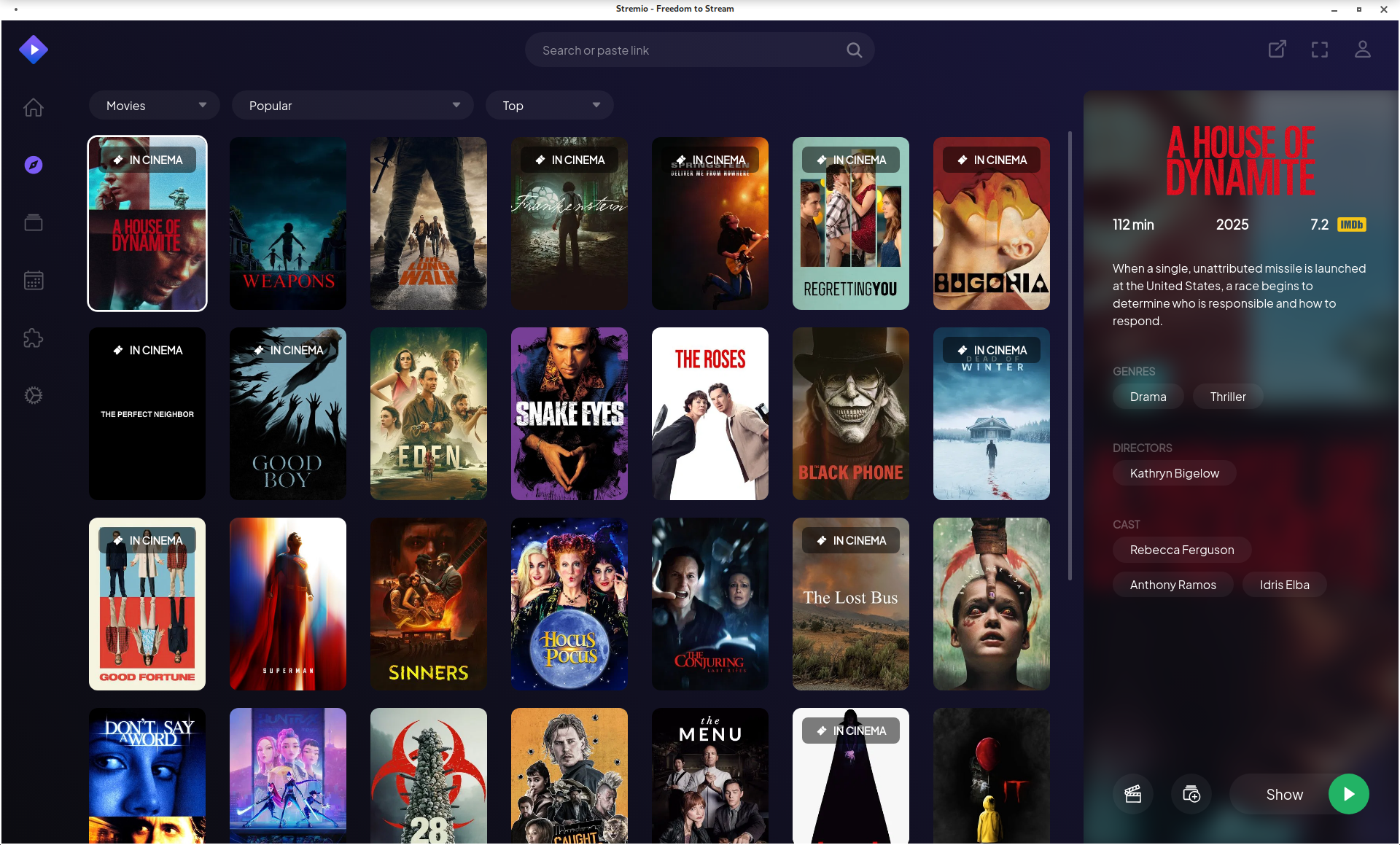
When Stremio released their new GTK4-based shell using Chromium Embedded Framework (CEF) instead of Qt5/QtWebEngine, it provided the perfect test case for my Debian packaging journey, specially after QT5 has become an End Of Life software that won’t be supported soon.
It was the good usecase to test a big our freshly-packaged CEF library. What followed was a month of debugging that revealed the gap between «library compiles» and «library works.»
This article documents the technical challenges of integrating CEF with a real-world application for Debian packaging.
The Application Architecture
Stremio-gtk is a relatively simple application in concept:
- Create a CEF browser window
- Load
https://app.strem.io/shell-v4.4 - Provide IPC bridge for the web app to control native features
- Handle video playback through MPV
In practice, each step revealed hidden complexity.
Challenge 1: Resource File Discovery
The Problem
CEF processes need to locate several resource files at startup:
icudtl.dat– ICU internationalization datav8_context_snapshot.bin– V8 JavaScript engine snapshot*.pakfiles – Chromium resource bundleslocales/*.pak– Localization data
In upstream builds, these files sit alongside the executable. In FHS-compliant installations, they’re scattered across /usr/share/cef/.
The obvious solution is to configure paths in the Settings structure:
let settings = Settings {
    resources_dir_path: "/usr/share/cef".into(),
    locales_dir_path: "/usr/share/cef/locales".into(),
    ..Default::default()
};
cef_initialize(&settings);
This works for the browser process. Subprocesses crashed immediately.
Root Cause
CEF’s multi-process architecture spawns specialized subprocesses for rendering, GPU operations, and utility functions. These subprocesses call cef_execute_process() as their first action and exit without ever seeing the Settings structure.
The subprocess entry point:
fn main() {
    // For subprocesses, this returns immediately with exit code
    let exit_code = cef_execute_process(&args, None, None);
    if exit_code >= 0 {
        std::process::exit(exit_code);
    }

    // Only browser process reaches here
    let settings = Settings { ... };
    cef_initialize(&settings);
}
By the time Settings could be applied, subprocesses have already failed to find resources.
Solution
CEF searches for resources relative to libcef.so, not the application binary. Symlinks in the library directory solve the problem:
# In /usr/lib/x86_64-linux-gnu/:
icudtl.dat -> ../../share/cef/icudtl.dat
v8_context_snapshot.bin -> ../../share/cef/v8_context_snapshot.bin
For settings that subprocesses need, command-line switches must be added in the on_before_command_line_processing callback, which is called for all process types:
impl App for StremioApp {
    fn on_before_command_line_processing(
        &self,
        _process_type: &str,
        command_line: &mut CommandLine,
    ) {
        command_line.append_switch_with_value(
            "resources-dir-path",
            "/usr/share/cef"
        );
    }
}
Challenge 2: GPU Process Crashes
The Problem
With resources loading correctly, the GPU subprocess now launched—and immediately crashed. CEF retried nine times before giving up:
[GPU] error_code=1002
GPU process isn't usable. Goodbye.
No stack traces, no meaningful logs. The GPU process died before producing diagnostics.
Investigation
Adding --enable-logging --v=1 revealed the GPU process was failing to initialize OpenGL contexts. The error suggested EGL/GLES library issues.
CEF’s GPU process expects ANGLE (Almost Native Graphics Layer Engine)—Google’s OpenGL ES implementation built on Vulkan and DirectX. It’s not interchangeable with Mesa’s EGL implementation despite similar APIs.
Solution
The CEF package must bundle its own ANGLE libraries:
/usr/lib/x86_64-linux-gnu/cef/
├── libEGL.so.1        # CEF's ANGLE-based EGL
├── libGLESv2.so.2     # CEF's ANGLE-based GLES
└── libvk_swiftshader.so  # Software Vulkan fallback
The main library is configured with RPATH to find these private libraries before system Mesa.
For systems without GPU acceleration, SwiftShader provides software rendering. Its Vulkan ICD registration required absolute paths:
{
    "file_format_version": "1.0.0",
    "ICD": {
        "library_path": "/usr/lib/x86_64-linux-gnu/cef/libvk_swiftshader.so",
        "api_version": "1.1.0"
    }
}
Relative paths failed because the ICD loader doesn’t resolve paths relative to the JSON file.
Challenge 3: The Nine-Day IPC Debugging
The Symptom
CEF launched, pages loaded, UI rendered—but video playback fell back to HTML5 instead of the native MPV player. The web app was treating stremio-gtk as a browser rather than a native shell.
The Qt WebChannel Protocol
Stremio’s web application expects to communicate with its native shell through Qt’s WebChannel protocol. The original Qt5 shell creates a transport object:
// Qt5 shell (QML):
WebChannel {
    id: webChannel
    registeredObjects: [transport]
}

property QtObject transport: QtObject {
    property string shellVersion: "4.4"
    property string serverAddress: "http://127.0.0.1:11470"
    property bool isFullscreen: false

    signal event(string event, string args)
    function send(data) { ... }
}
The web app accesses this through:
new QWebChannel(qt.webChannelTransport, function(channel) {
    window.transport = channel.objects.transport;
    transport.event.connect(function(name, args) { ... });
});
Dead Ends
Day 1-2: «IPC onmessage is not a function»
The web app tried calling a callback before registration. Added message queuing:
struct MessageQueue {
    pending: Vec<String>,
    handler: Option<Box<dyn Fn(String)>>,
}

impl MessageQueue {
    fn send(&mut self, msg: String) {
        match &self.handler {
            Some(h) => h(msg),
            None => self.pending.push(msg),
        }
    }

    fn set_handler(&mut self, h: Box<dyn Fn(String)>) {
        for msg in self.pending.drain(..) {
            h(msg);
        }
        self.handler = Some(h);
    }
}
Messages stopped being lost, but video still didn’t work.
Day 3-4: Wrong message format
QWebChannel expects specific array formats:
// Wrong (what we sent):
{ type: 1, object: "transport", data: { properties: {} } }

// Correct (QWebChannel format):
{ type: 1, object: "transport", data: [
    { }, // signals
    { }, // methods
    { "shellVersion": [1, "4.4"], "serverAddress": [1, "http://..."] }
]}
Properties are [type, value] tuples. Fixed the serialization, but video still didn’t work.
Day 5: Double JSON serialization
A bug in the Rust→JavaScript bridge:
// Bug: data was already JSON, gets serialized again
let message = serde_json::to_string(&json!({
    "type": 3,
    "data": already_json_string  // Becomes "\"escaped\""
}))?;
Fixed, but video still didn’t work.
Day 6: Wrong response type
Init responses used type: 3 when QWebChannel expected type: 10:
// Our response:
{ type: 3, id: 1, data: [...] }

// Expected:
{ type: 10, id: 1, data: [...] }
Fixed, but video still didn’t work.
Day 7-8: User-Agent detection
Examining the web app’s source revealed an early check:
if (navigator.userAgent.indexOf('StremioShell') === -1) {
    // Use HTML5 player
    return;
}
// Use native MPV
Added «StremioShell» to the user agent. Video still didn’t work.
Day 9: The Missing Function Call
Desperate, I read through the Qt5 shell’s main.qml line by line:
function injectJS() {
    var injectedJS = "try { initShellComm() } catch(e) { console.error(e) }"
    webView.runJavaScript(injectedJS, function(err) {
        if (err) console.error("Injection failed:", err);
    });
}

Connections {
    target: webView
    onLoadingChanged: {
        if (loadRequest.status === WebEngineLoadRequest.LoadSucceededStatus) {
            injectJS();
        }
    }
}
The native shell must explicitly call window.initShellComm() after page load. The web app defines this function but never calls it automatically.
One line in the preload script:
window.addEventListener('load', () => {
    if (typeof initShellComm === 'function') {
        initShellComm();
    }
});
Video playback worked.
Lesson
Nine days of debugging IPC formats, serialization, and message types. The actual fix was one function call that the Qt5 shell made explicitly. The documentation existed—in QML code that had to be read line by line.
Challenge 4: Native Widget Rendering
The Problem
After IPC worked, a minor but visible issue remained: HTML <select> dropdowns didn’t work. Clicking them did nothing.
Root Cause
CEF’s offscreen rendering mode (used by stremio-gtk) renders everything to a buffer via OnPaint. Native OS widgets like dropdown menus require real window handles.
CEF provides callbacks for popup rendering:
trait RenderHandler {
    fn on_popup_show(&self, browser: &Browser, show: bool);
    fn on_popup_size(&self, browser: &Browser, rect: &Rect);
}
Applications must implement these to render native widget representations themselves. Stremio-gtk hadn’t implemented them.
Pragmatic Solution
Rather than implementing full popup rendering, JavaScript injection replaces <select> elements with custom div-based dropdowns:
function replaceSelect(select) {
    const wrapper = document.createElement('div');
    wrapper.className = 'custom-select-wrapper';

    const display = document.createElement('div');
    display.className = 'custom-select-display';
    display.textContent = select.options[select.selectedIndex]?.text || '';

    const dropdown = document.createElement('div');
    dropdown.className = 'custom-select-dropdown';

    Array.from(select.options).forEach((opt, i) => {
        const item = document.createElement('div');
        item.textContent = opt.text;
        item.onclick = () => {
            select.selectedIndex = i;
            select.dispatchEvent(new Event('change'));
            display.textContent = opt.text;
            dropdown.style.display = 'none';
        };
        dropdown.appendChild(item);
    });

    display.onclick = () => {
        dropdown.style.display =
            dropdown.style.display === 'none' ? 'block' : 'none';
    };

    select.style.display = 'none';
    select.parentNode.insertBefore(wrapper, select);
    wrapper.appendChild(display);
    wrapper.appendChild(dropdown);
}

// Handle dynamic selects
new MutationObserver((mutations) => {
    mutations.forEach(m => {
        m.addedNodes.forEach(node => {
            if (node.tagName === 'SELECT') replaceSelect(node);
            if (node.querySelectorAll) {
                node.querySelectorAll('select').forEach(replaceSelect);
            }
        });
    });
}).observe(document.body, { childList: true, subtree: true });

document.querySelectorAll('select').forEach(replaceSelect);
The hidden native <select> elements sync state for AngularJS compatibility.
The Final Patch Count
After all debugging, stremio-gtk required 24 patches:
| Category | Count | Examples |
|---|---|---|
| Build system | 4 | Cargo vendor, system paths |
| CEF integration | 6 | Resource paths, ANGLE, zygote |
| IPC protocol | 8 | Transport object, JSON format, initShellComm |
| Runtime fixes | 4 | User agent, event signals |
| UI workarounds | 2 | Select replacement, focus handling |
Testing Insights
What Unit Tests Miss
The CEF package passed all its tests. Stremio-gtk revealed:
- Resource symlinks needed in unexpected locations
- ANGLE is required, not optional
- Subprocess initialization differs from main process
- IPC protocol details matter for real applications
Integration Test Value
A demanding application like stremio-gtk (video, IPC, GPU, offscreen rendering) stress-tests features that simple «load webpage» tests never touch.
Upstream Bug Discovery
Several issues exist in upstream stremio-linux-shell. The Flatpak likely works by accident of bundling or timing. These fixes should flow back.
Conclusion
The stremio-gtk packaging revealed that CEF integration is more than linking against a library. The multi-process architecture, resource discovery, GPU requirements, and IPC protocols all require careful handling for distribution packaging.
The nine-day IPC debugging produced one line of actual code. The other 23 patches required understanding internals that aren’t documented anywhere except the source code of working implementations.
For packagers considering CEF applications: expect to bridge the gap between upstream assumptions and distribution requirements. Read the Qt5 implementation if one exists. Test early and test thoroughly.
Packages at salsa.debian.org. ITP #1119815 (stremio-gtk), resolves #915400 (CEF).