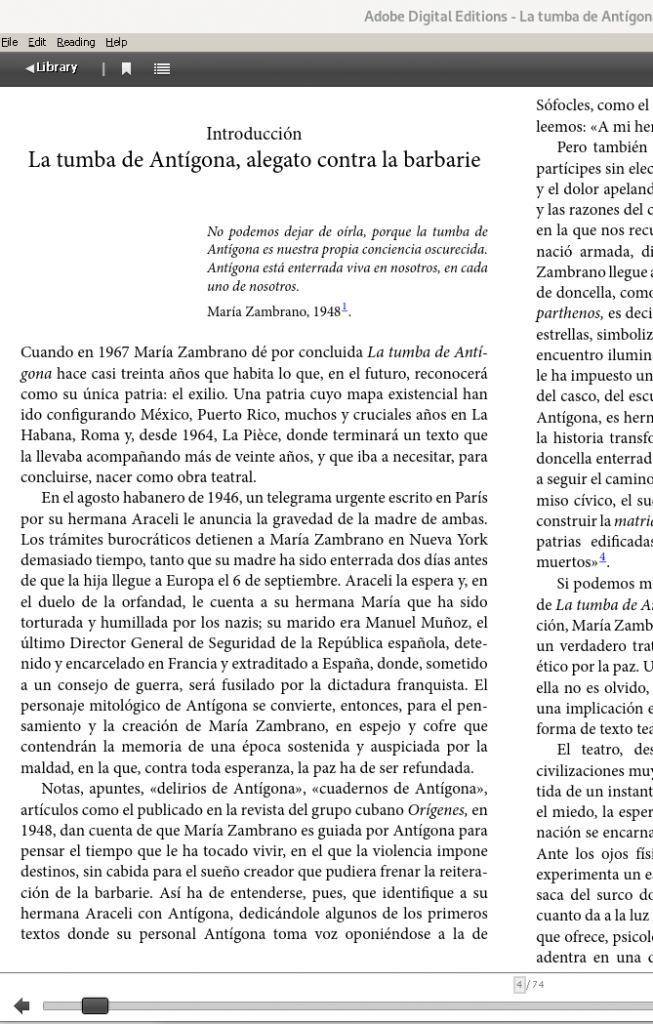
Libraries can keep lending books, this time, electronic books.
In Spain you can access the portal where you can select the autonomous community: https://www.culturaydeporte.gob.es/cultura/areas/bibliotecas/mc/eBiblio/inicio.html
Imagine that you go into Andalusia; there you can log into your account by entering your email address and your password:
https://andalucia.ebiblio.es/home#login
What happens if you do not have a password or a library card?
On the right you will find the instructions in case you have forgotten or do not have a password.
Libraries are offering this service online and you can request it whether or not you have the digital certificate, at this address.
In the case of Andalucia:
https://ws096.juntadeandalucia.es/tarjetaUsuarioBibliotecas
and in case of doubt, by writing to: ebiblio.ccul@juntadeandalucia.es
If you request it through the digital certificate, you may need to install the Autofirma program:
https://firmaelectronica.gob.es/Home/Descargas.html
Entering the portal
Once you have managed to get into https://andalucia.ebiblio.es/, you can request book loans, which you can read online, or which can be downloaded to be read during the loan period, by installing Adobe Digital Editions.
Installing Adobe Digital Editions on Debian GNU/Linux
Keep reading if you want to know how to install Adobe Digital Editions (ADE) on Debian GNU/Linux.
These kinds of tools have no version for GNU/Linux, however we can download the windows executable and run it with wine.
To do the installation I based myself on the following article, which explains it for an earlier version:
https://patdavid.net/2018/05/installing-adobe-digital-editions-on-linux-with-wine/
Below I give the updated details:
Download the latest version of ADE, which as of this article is 4.5.11:
$ wget "http://download.adobe.com/pub/adobe/digitaleditions/ADE_4.5_Installer.exe"Install wine to be able to run windows applications inside GNU/Linux:
$ sudo apt install wine winetricks cabextract winbindInstall corefonts, windowscodecs, and .NET 4.0 inside wine
$ winetricks -q corefonts && winetricks -q windowscodecs && winetricks -q dotnet40Once we have covered these prerequisites, we can run the installer
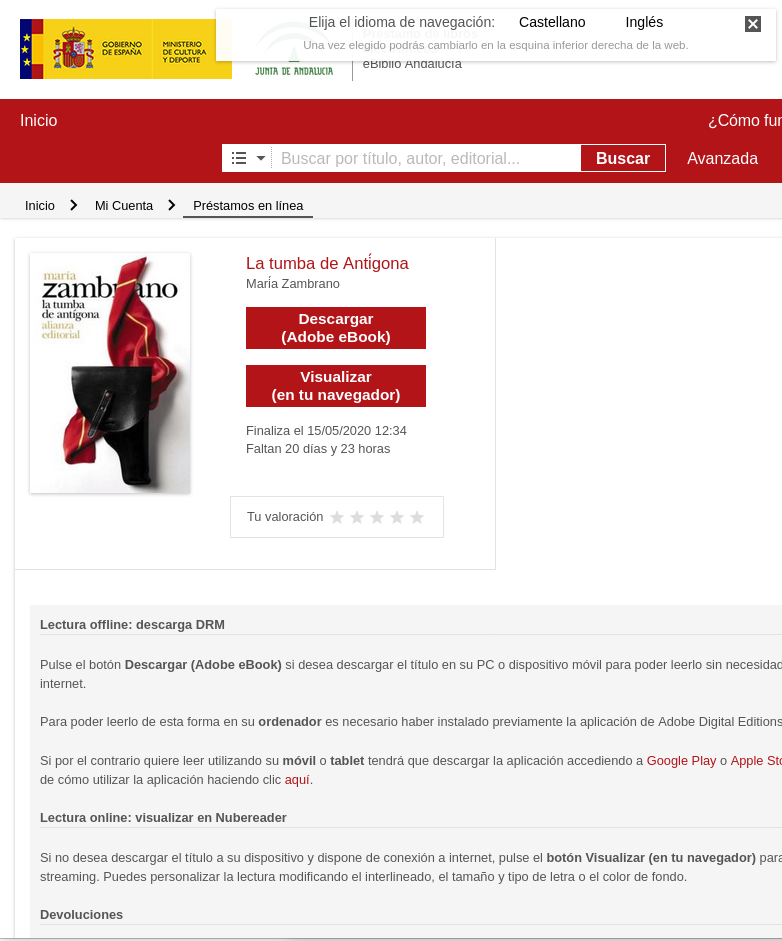
$ wine ADE_4.5_Installer.exeAnd here is a screenshot of ADE running with wine, once we have downloaded the borrowed book: