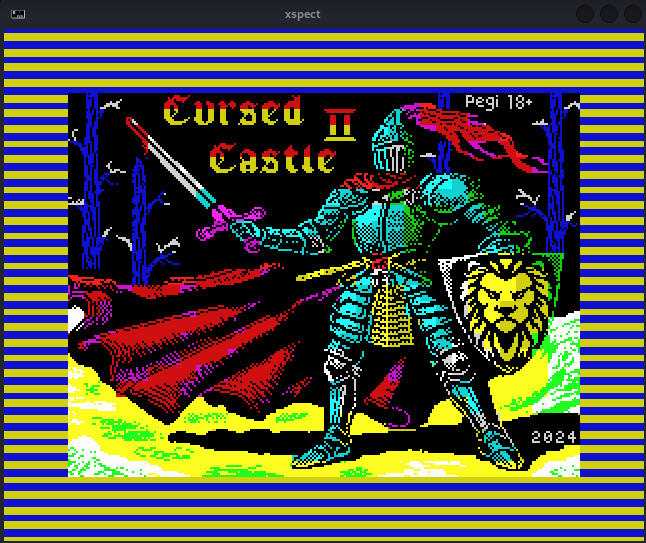
There are quite a few emulators to choose from, although today I am going to focus on spectemu.
We can install it with:
apt-get install spectemu-x11
And then we can run it with:
xspect
I decided to try one of the games produced in 2024 that are being voted on right now at:
https://spectrumcomputing.co.uk/forums/viewtopic.php?p=160910#p160910
The game I settled on is «Cursed Castle 2», of which there is a demo at:
https://fransouls.itch.io/cursed-castle-2
I also previously played «Max Stone»:
https://flopping.itch.io/max-stone-el-secreto-de-la-gran-piramide
which I got through with some infinite lives trick
But anyway, the reason for this post is to keep a cheat sheet about «spectemu»; this emulator is so old that it tries to find the «/dev/dsp» device, which no longer exists on current Linux, and it fails.
However, we can run it like this:
padsp xspect Demo.Cursed.Castle.2.tap
So that pulseaudio takes care of simulating the device for xspect.
And from here on: LOAD «» inside the Spectrum emulator.
And Ctrl-P, Ctrl-S to simulate PLAY and PAUSE of the tape.
Enjoy.